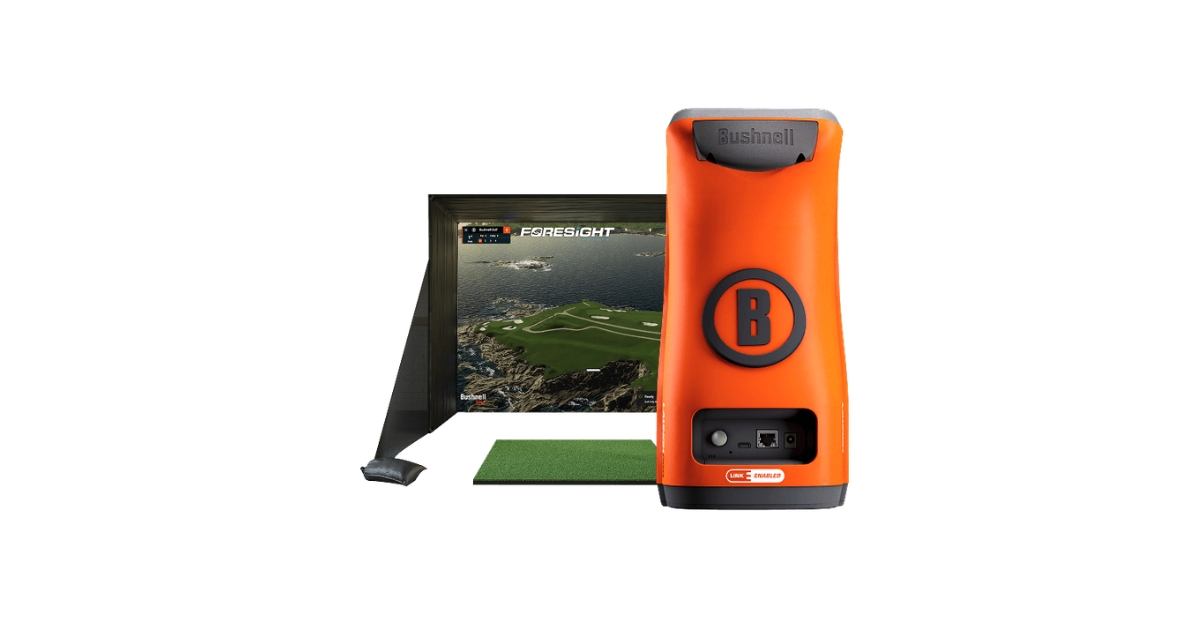
For golfers who want to practice year-round without constantly driving to the range, the Bushnell Launch Pro Simulator Bundle offers a pretty compelling solution. Instead of piecing together a simulator setup one component at a time, Bushnell bundles nearly everything needed to create a dedicated golf studio at home.
The real selling point, though, isn’t just convenience. It’s the combination of tour-validated launch monitor accuracy, realistic simulation software, and detailed performance data that can actually help golfers improve rather than simply entertain them.
After digging through the specifications, software features, customer experiences, and simulator capabilities, it’s clear that this package targets serious golfers who value data-driven practice and realistic simulation experiences.
Bushnell Launch Pro Simulator Bundle at a Glance
| Specification | Details |
|---|---|
| Product Type | Launch Monitor & Home Golf Simulator Bundle |
| Price | $5,999.99 |
| Enclosure Options | 8-foot or 10-foot |
| Launch Monitor | Bushnell Launch Pro |
| Included Subscription | 3-Month Gold Subscription |
| Projector Included | Yes (1080P) |
| Hitting Mat | 5′ x 5′ Premium Turf |
| Battery Life | 5-7 Hours |
| Connectivity | Wi-Fi, Ethernet, USB-C |
| Weight | 5 lbs |
| Warranty | One-Year Limited Warranty |
What’s Included
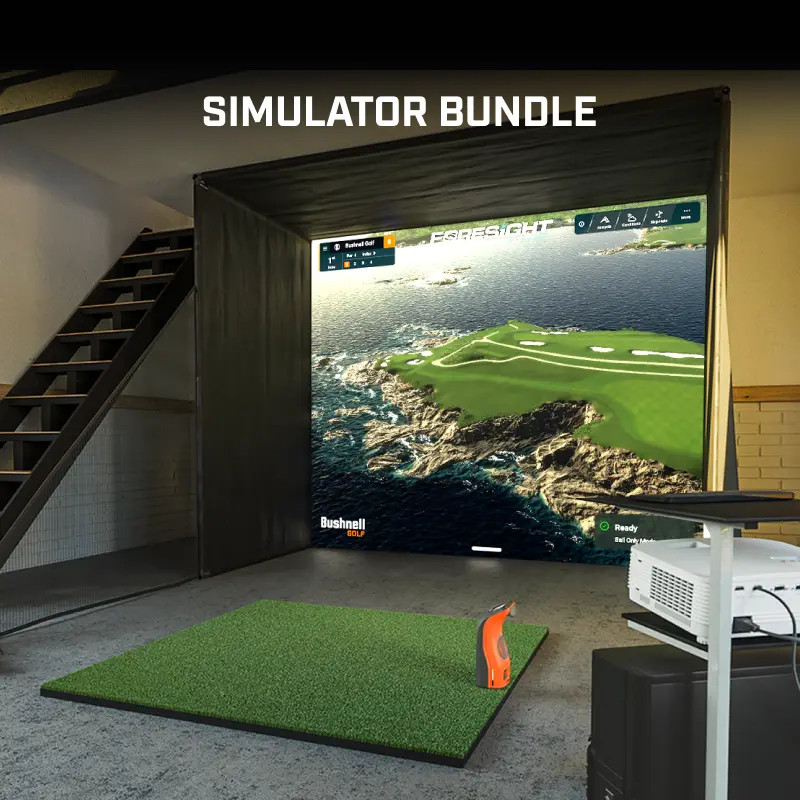
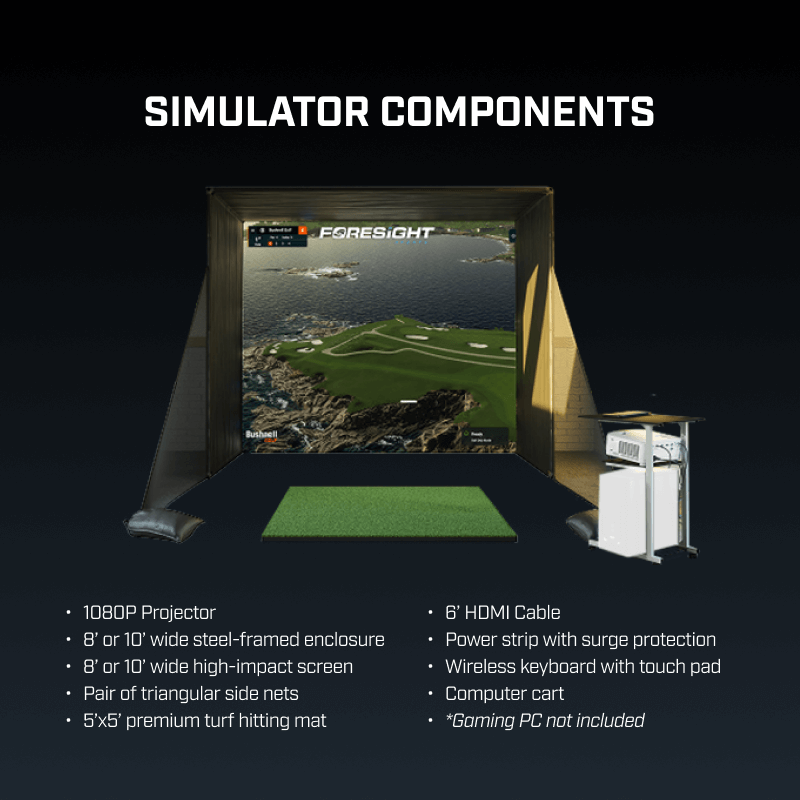
The package arrives with almost everything required for an indoor simulator setup, including the Launch Pro launch monitor, projector, enclosure, impact screen, hitting mat, side protection nets, wireless keyboard, HDMI cable, and computer cart.
The only major item missing is a gaming-capable desktop PC, which is mandatory for running simulation software.
What Makes This Bundle Different From Typical Home Simulators?
A lot of home golf simulators focus heavily on entertainment. The Bushnell Launch Pro Bundle takes a different route by emphasizing performance improvement and shot analysis.
The thing that stands out immediately is the launch monitor itself. Unlike many consumer-grade units that estimate certain measurements, Launch Pro captures detailed ball and club data using advanced camera-based technology.
This means golfers aren’t simply seeing where a virtual shot lands. They’re getting access to crucial metrics like:
- Ball speed
- Carry distance
- Total spin
- Launch angle
- Spin axis
- Club path
- Angle of attack
- Smash factor
For players working on swing changes or trying to dial in distances, this level of feedback can be incredibly valuable.
Setup Experience and Space Requirements
Before purchasing, golfers should pay close attention to the required room dimensions.
The larger 10-foot enclosure requires:
- Minimum 12 feet width
- Minimum 18 feet depth
- Minimum 9 feet ceiling height
The smaller 8-foot enclosure can fit into slightly tighter spaces:
- Minimum 10 feet width
- Minimum 18 feet depth
- Minimum 8 feet ceiling height
Honestly, the depth requirement is probably the most important consideration. Many garages can accommodate the width, but not every room has enough length for comfortable swings and projector placement.
The enclosure itself uses a steel-frame design and includes side net protection. According to customer feedback, assembly is fairly straightforward, although first-time simulator owners may spend several hours getting everything positioned correctly.
Launch Monitor Performance Testing
Ball Data Accuracy
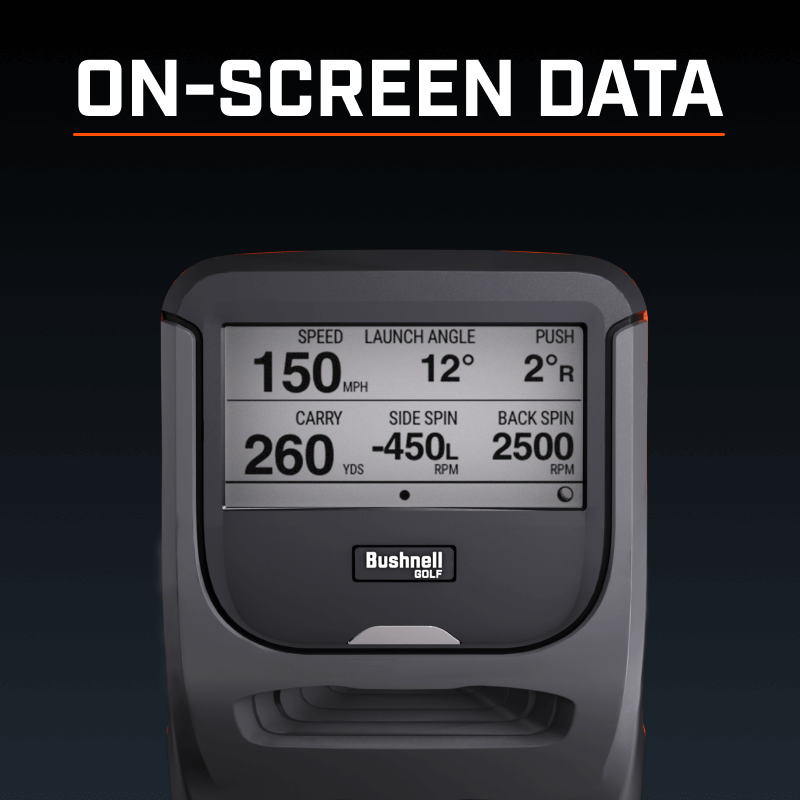
The Launch Pro’s reputation has largely been built around its measurement accuracy, and that’s where it continues to impress.
The unit tracks:
- Carry Distance
- Ball Speed
- Launch Angle
- Back Spin
- Side Spin
- Spin Axis
- Apex Height
- Descent Angle
- Ball Curve
- Offline Distance
- Hang Time
Compared with many radar-based systems, camera-based launch monitors often excel indoors because they directly capture impact and initial ball flight.
For golfers trying to optimize driver distance or improve iron gapping, the consistency of these readings becomes a huge advantage.
Club Data Insights
Using the included club markers, golfers can also unlock club data measurements.
Important metrics include:
- Club Head Speed
- Smash Factor
- Club Path
- Angle of Attack
These are exactly the types of numbers instructors and club fitters frequently use during lessons and fittings.
For players working through swing changes, being able to monitor these values from home is honestly a pretty significant benefit.
Indoor Practice Experience
One of the biggest advantages of simulator ownership is simply increasing practice frequency.
No waiting for weather.
No driving to the range.
No rushed evening practice sessions before sunset.
With Launch Pro, golfers can squeeze in 20-minute sessions several times per week, which often produces better long-term improvement than occasional marathon range sessions.
Simulation Experience and Software Ecosystem
The software side of the Launch Pro is where things become really interesting.
FSX Play
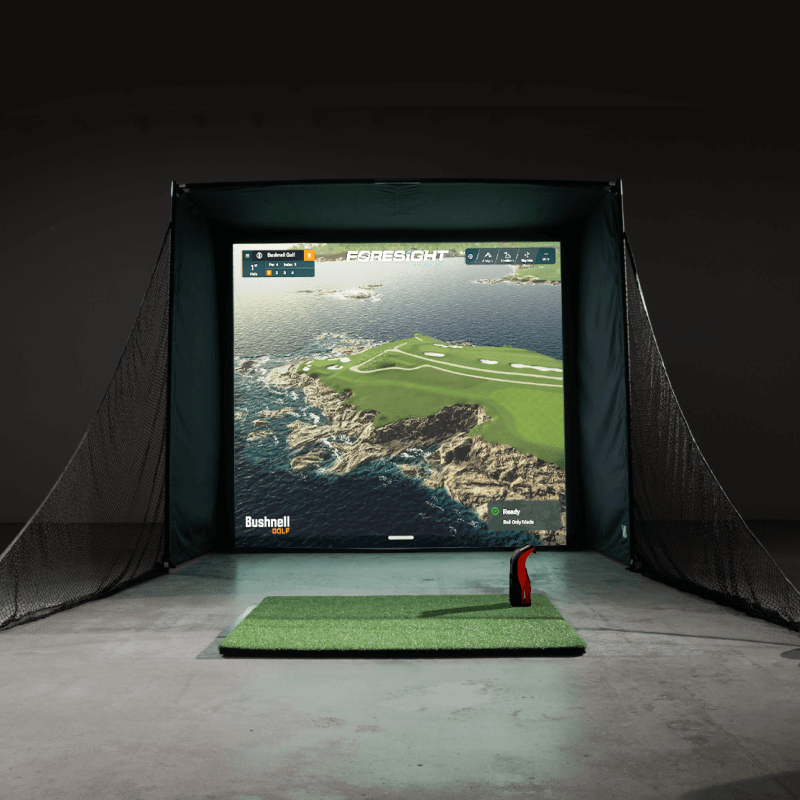
FSX Play delivers realistic course visuals and simulation gameplay. Graphics are noticeably modern and provide an immersive experience that feels closer to actually being on the golf course.
FSX Pro
FSX Pro focuses more on performance analysis and player development.
This platform is particularly useful for:
- Club fitting
- Practice sessions
- Swing analysis
- Distance gapping
- Data review
Course Library and Online Play
Gold subscribers gain access to 25 included courses along with expanded software features.
Users can:
- Save sessions
- Create multiple players
- Track rounds
- Participate in online competitions
- Record unlimited club profiles
GSPro Compatibility
One feature many simulator enthusiasts appreciate is GSPro compatibility.
GSPro has become one of the most popular third-party simulation platforms because of its extensive course library and active community support.
Keep in mind that GSPro subscriptions are sold separately.
Real-World User Experience
In practical use, this bundle feels designed for golfers who are genuinely committed to improvement.
A low-handicap player can use Launch Pro to monitor wedge distances.
A competitive junior golfer can practice during winter months.
Weekend golfers can finally learn their actual carry distances rather than guessing.
The flexibility to use the launch monitor both indoors and outdoors adds another layer of value. Many simulator systems become permanently fixed installations, but Launch Pro can also accompany golfers to the range when needed.
That’s something many buyers overlook initially.
Design, Build Quality, and Portability
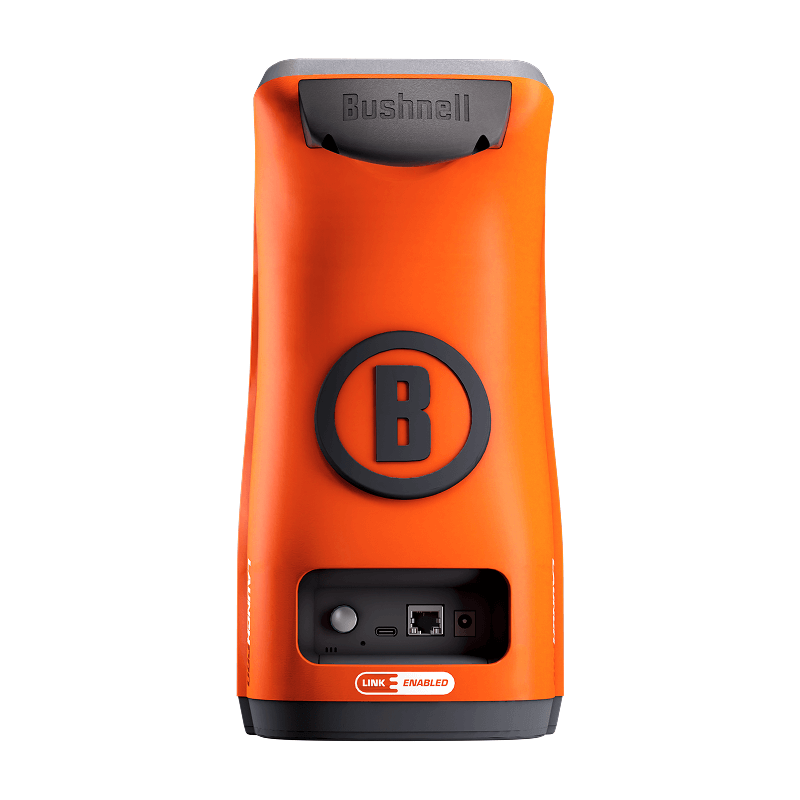
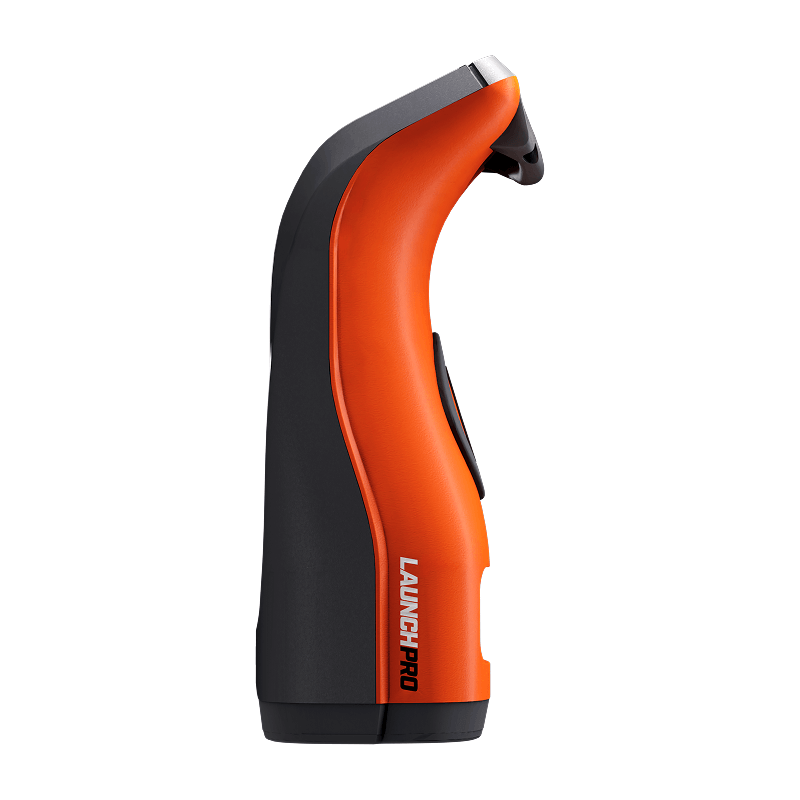
The Launch Pro itself has a clean and professional appearance.
At only 5 pounds, it’s portable enough to move between practice locations without much hassle.
Other hardware highlights include:
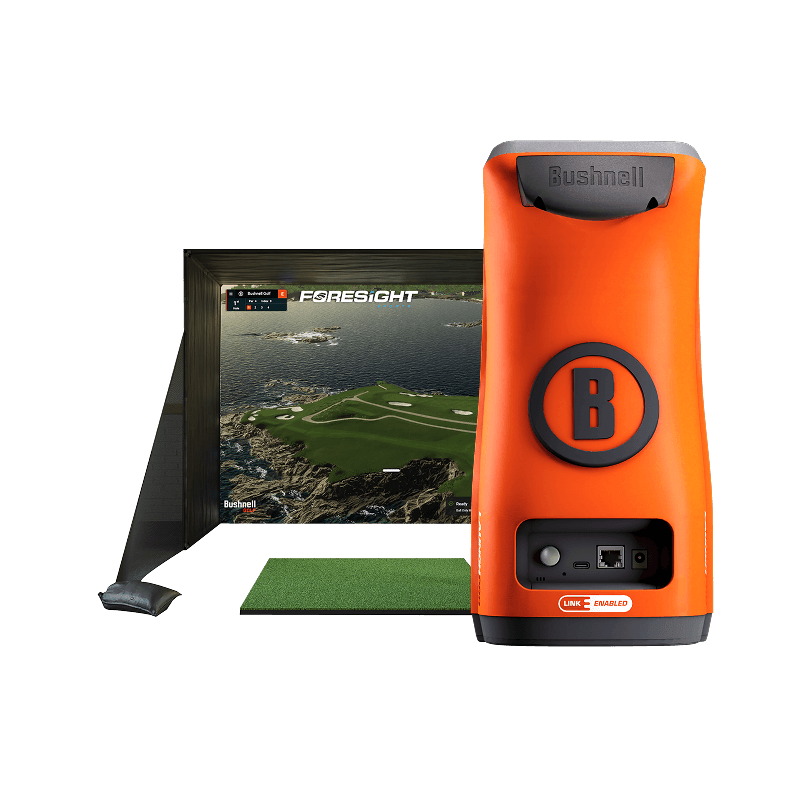
- 3″ x 2″ LCD touchscreen
- Wi-Fi connectivity
- Ethernet support
- USB-C connection
- 5-7 hour battery life
The build quality feels premium throughout the package. The enclosure materials, hitting mat, and supporting accessories appear designed for repeated use rather than occasional entertainment.
What Golfers Like Most
One verified purchaser left a simple but enthusiastic five-star review praising the overall experience.
Another reviewer initially expressed concerns regarding instructions and marketing communication. However, after interacting with customer support, the reviewer updated their feedback and specifically highlighted the company’s willingness to listen, provide solutions, and improve the customer experience.
That kind of response often tells you more about a company than a perfect review ever could.
Common Criticisms
The primary concerns seem to revolve around:
- Initial setup guidance
- Subscription costs
- Gaming PC requirement
These aren’t necessarily deal-breakers, but they are important considerations before investing several thousand dollars into a simulator system.
Bushnell Launch Pro vs Key Alternatives
Launch Pro vs SkyTrak+
SkyTrak+ generally costs less and remains popular among recreational golfers.
However, Launch Pro tends to appeal more to players seeking higher-level data accuracy and professional-grade measurements.
Launch Pro vs Garmin Approach R50
The Garmin R50 offers impressive portability and integrated functionality.
Launch Pro counters with a more established simulation ecosystem and extensive performance analysis capabilities.
Launch Pro vs Uneekor Eye Mini
Eye Mini competes directly in the premium launch monitor category.
Both deliver excellent data quality, but Launch Pro’s simulator bundle packaging creates a more complete out-of-the-box solution.
Value for Money Analysis
At nearly $6,000 before subscription costs, this isn’t an impulse purchase.
That said, the package includes:
- Launch monitor
- Projector
- Enclosure
- Impact screen
- Hitting mat
- Software access
- Accessories
When these components are purchased individually, costs can add up surprisingly fast.
Golfers who regularly spend money on range sessions, indoor facilities, or winter practice memberships may eventually find meaningful value in owning their own simulator.
Buy Now
Warranty, Support, and Ownership Considerations
Bushnell provides a one-year limited warranty on the Launch Pro launch monitor.
Returns are accepted within 30 days, although a restocking fee may apply depending on condition.
One ownership detail worth noting is that the Launch Pro was designed primarily for U.S. use and requires periodic internet connectivity within the United States to maintain full software functionality.
Potential international buyers should research this limitation carefully before purchasing.
Pros and Cons
Pros
- Extremely accurate launch monitor
- Complete simulator package
- Portable indoor/outdoor usage
- Detailed ball and club data
- Strong software ecosystem
- GSPro compatibility
- Quality enclosure and accessories
Cons
- Premium price point
- Gaming PC not included
- Ongoing subscription costs
- Space requirements may limit some buyers
- International-use restrictions
Who Should Buy the Bushnell Launch Pro Simulator Bundle?
Ideal Buyer
- Serious golfers focused on improvement
- Competitive players
- Golf instructors
- Club fitters
- Year-round practice enthusiasts
Who Should Skip It
- Casual golfers seeking only entertainment
- Players with limited indoor space
- Buyers unwilling to maintain subscriptions
- Golfers on tighter budgets
Golf Assay Scorecard
| Category | Score |
|---|---|
| Accuracy | 9.8/10 |
| Simulation Experience | 9.2/10 |
| Software Features | 9.1/10 |
| Build Quality | 9.3/10 |
| Ease of Setup | 8.3/10 |
| Value | 8.8/10 |
| Overall | 9.2/10 |
Final Verdict
The Bushnell Launch Pro Simulator Bundle successfully bridges the gap between professional-grade launch monitor technology and home golf simulation.
What impressed me most is that it doesn’t feel like a toy pretending to be a training tool. Instead, it feels like a legitimate performance platform that happens to deliver an enjoyable simulation experience as well.
The investment is substantial, and the subscription model won’t appeal to everyone. But for golfers who want accurate data, realistic simulation, and the convenience of practicing whenever they want, this bundle delivers a very compelling package.
If your goal is to build a home golf studio around precision, practice, and long-term game improvement, the Launch Pro Simulator Bundle deserves a spot near the top of your shortlist.
Buy Here
Frequently Asked Questions
Is the Bushnell Launch Pro accurate enough for serious golfers?
Yes. It provides detailed ball and club measurements that are widely respected among instructors, fitters, and competitive players.
Does the simulator bundle include everything needed?
Almost. The only major requirement not included is a gaming-capable desktop PC.
Can I use Launch Pro outdoors?
Yes. The launch monitor can be used both indoors and outdoors, giving golfers additional flexibility.
Do I need a subscription?
A subscription isn’t required for basic operation, but many simulator and software features are unlocked through Silver or Gold plans.
Is the Bushnell Launch Pro worth the money?
For dedicated golfers who practice frequently and value detailed performance data, it can provide excellent long-term value despite the higher upfront investment.