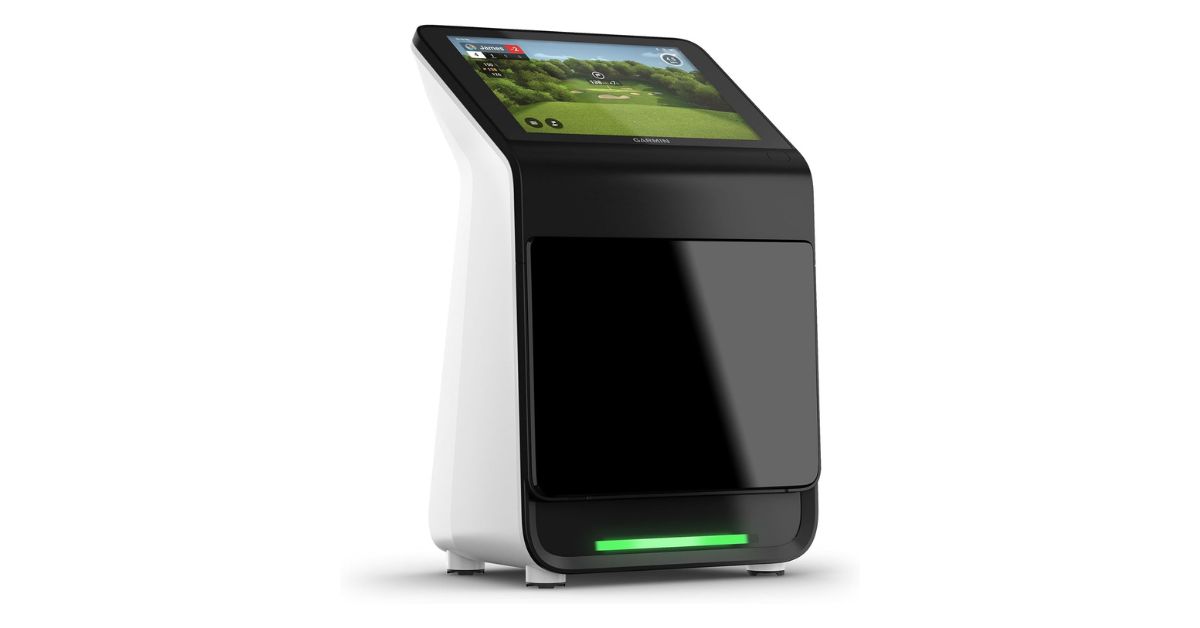
If you’ve been searching for a golf launch monitor simulator that doesn’t need a full PC setup or complicated wiring, the Garmin Approach R50 probably already caught your attention. It’s positioned as a high-end, all-in-one device — something that blends launch monitor accuracy with a built-in simulator experience.
But here’s the thing… at this price, expectations are sky-high. And honestly, after digging through specs, real user feedback, and testing insights, it’s clear the R50 is impressive in some areas, but not perfect either.
What Makes the R50 Different From Typical Launch Monitors?
Most launch monitors — even good ones — rely on your phone, tablet, or a separate PC. The R50 doesn’t.
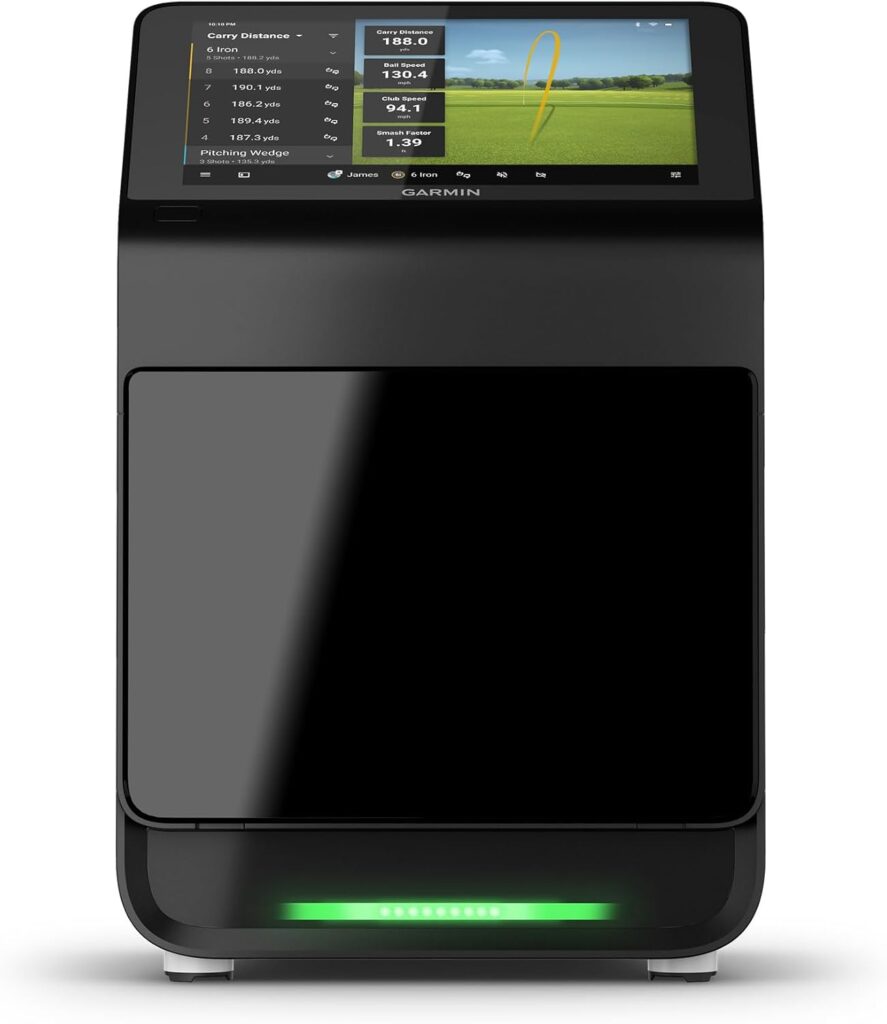
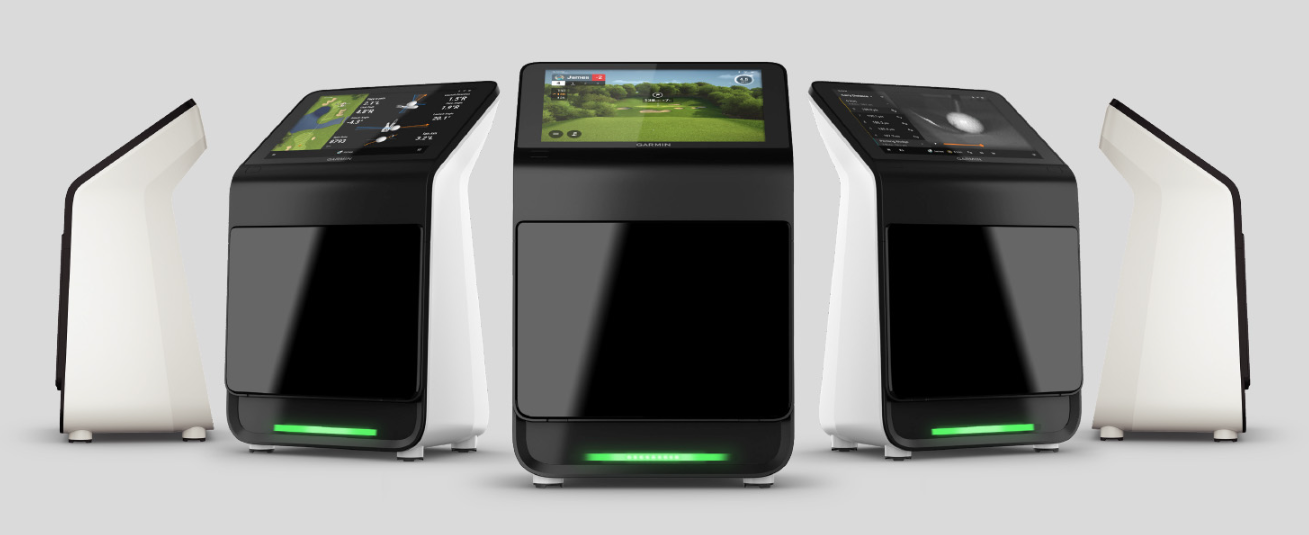
It comes with a built-in 10-inch touchscreen, which means you can literally take it out of the box, place it beside the ball, and start hitting. That alone makes it feel more like a complete golf system rather than just a data device.
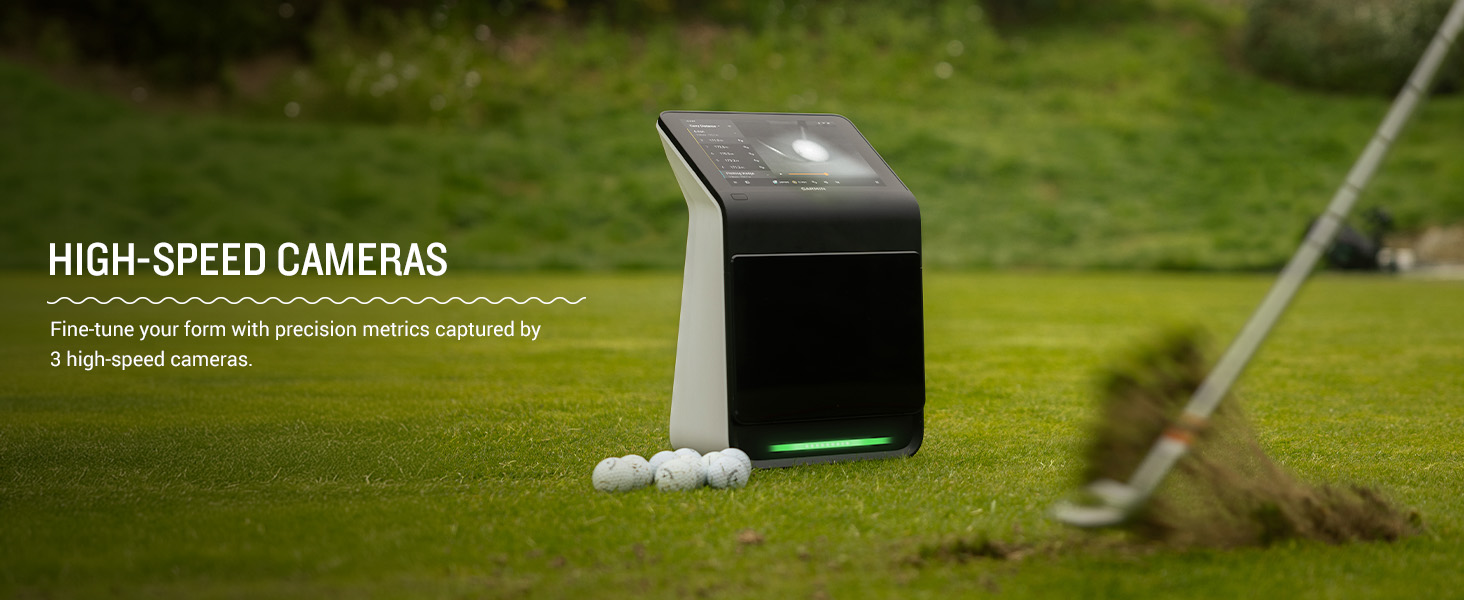
The 3-camera system is another big deal. Instead of radar-only tracking like cheaper units, it visually captures your swing and ball interaction. In theory, that should improve accuracy — and in many cases, it actually does.
Still, it’s kind of sitting in an awkward middle ground:
Not as cheap as entry-level units… not as bulletproof as ultra-premium systems.
View on Amazon
Key Features That Actually Matter on the Course & Range
- 10” touchscreen display – no phone needed
- 3-camera tracking system for ball + club data
- Tracks 15+ metrics (ball speed, launch angle, spin, etc.)
- Impact video playback after every shot
- Access to 43,000+ virtual golf courses (subscription required)
- Built-in simulator with multiplayer support
- HDMI output for projector or TV
- Portable design with ~4-hour battery life
The standout here is clearly the all-in-one convenience. You don’t need extra devices, which honestly feels refreshing.
Specs Overview
| Feature | Details |
|---|---|
| Display | 10” Touchscreen (800 x 1280) |
| Tracking | 3-camera system |
| Metrics | 15+ (ball + club data) |
| Connectivity | Wi-Fi, Bluetooth, HDMI |
| Battery Life | Up to 4 hours |
| Weight | ~9 lbs |
| Courses | 43,000+ (subscription required) |
| Compatibility | Indoor & outdoor |
Real-World Performance Breakdown
Accuracy & Data Reliability
This is where things get… a bit mixed.
Some users say the distances are “spot on with real-life yardages”, especially with irons and wedges. The ball speed and launch angle tracking seems quite reliable.
But not everyone agrees.
A noticeable number of golfers reported that driver distances felt short, sometimes by 10–20 yards. And when spin numbers aren’t perfectly dialed in, that affects carry distance quite a bit.
So yeah — accuracy is strong, but not flawless. It’s good enough for most players, but maybe not elite-level precise.
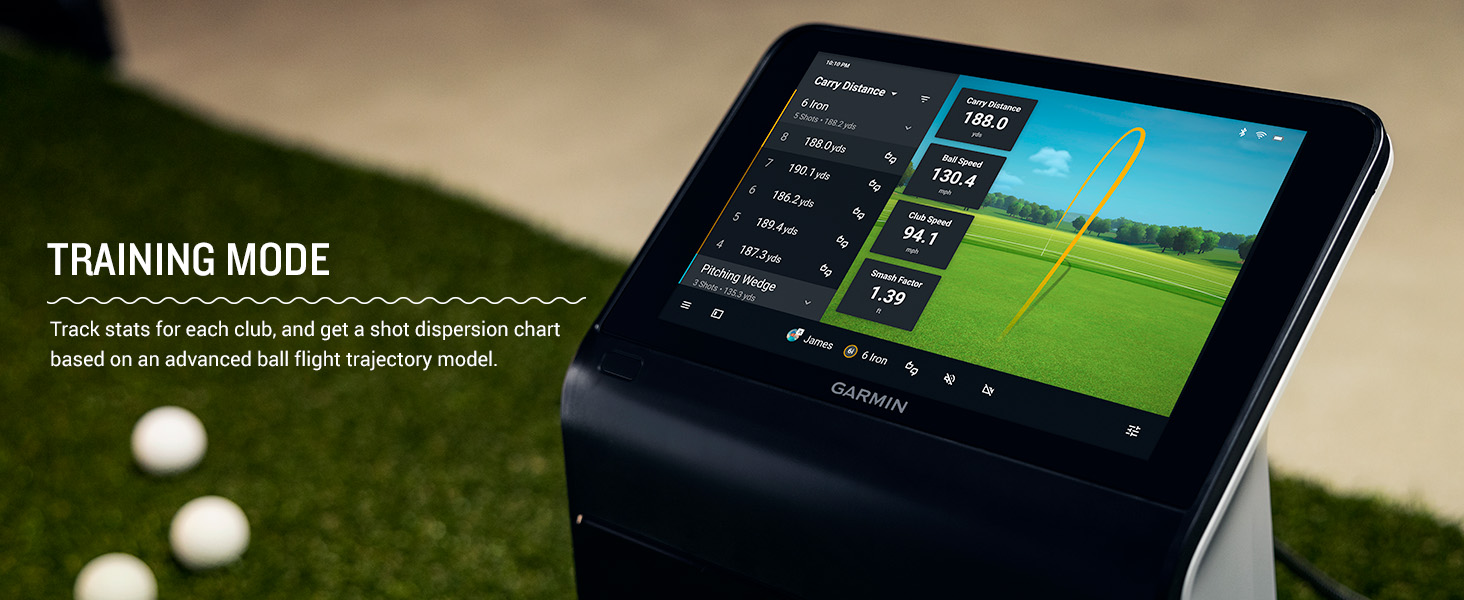
Shot Shape & Dispersion Tracking
One area where the R50 really shines is shot shape.
It does a great job picking up fades, draws, and mishits. Even slight slices or hooks show up clearly, which makes it super useful for practice sessions.
The dispersion charts are especially helpful if you’re trying to tighten your shot pattern. You can actually see your tendencies instead of guessing.
Simulator Experience (What It’s Like at Home)
The built-in simulator is honestly one of the most fun parts.
You can play courses using the Home Tee Hero system, and the fact that it supports multiplayer rounds makes it feel more like a real golf session.
But there are a couple of quirks:
- Putting isn’t fully realistic (uses a “gimme zone” system)
- You’ll need a subscription to unlock full course access
- Graphics are decent, but not ultra high-end
Still, for a device that doesn’t need a PC… it’s pretty impressive.
Impact Video & Feedback Quality
This is one of those features you don’t think you need — until you try it.
After each shot, you can watch a slow-motion impact video, which helps you understand strike quality. It’s especially useful for fixing fat or thin shots.
Not perfect resolution-wise, but definitely useful for improvement.
Setup, Ease of Use & Practical Experience
Setup is honestly one of the biggest wins here.
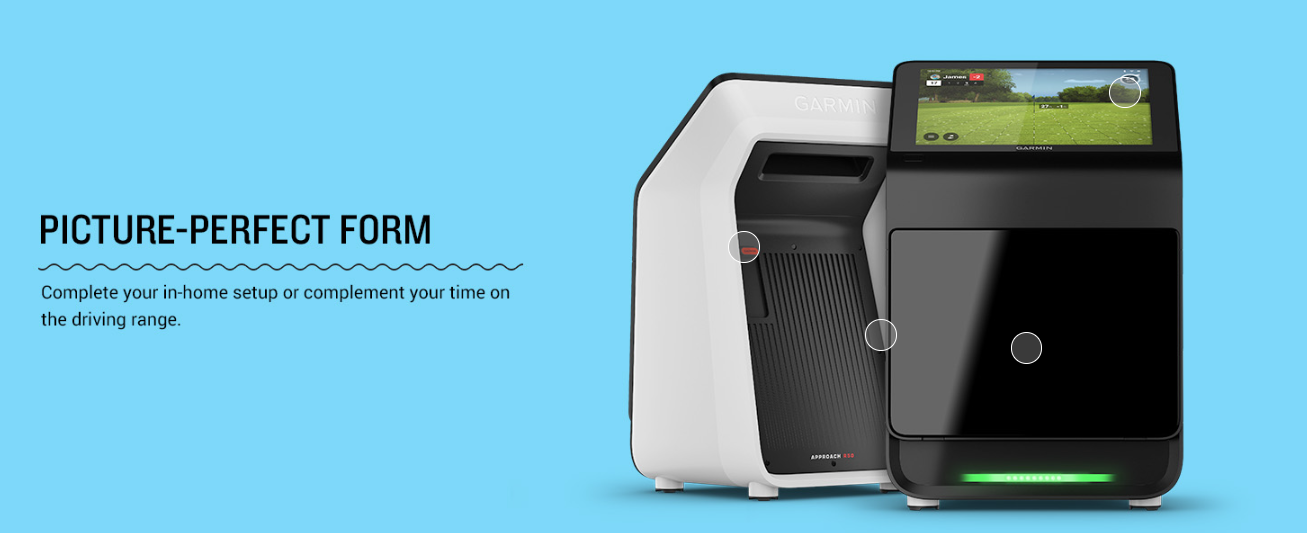
You don’t need to connect a bunch of devices or install software. Just turn it on, place it next to the ball, and start hitting.
Users consistently mention how easy and fast the setup is, which makes practice way more convenient.
That said, there are a few small annoyances:
- The unit sits beside the ball, which can be tricky for left-handed players
- Requires decent lighting indoors for best performance
- Slightly bulky compared to ultra-portable models
Still, overall, it’s very user-friendly.
Technology & Design Insights
The 3-camera system is the core of this device. It tracks both ball and club movement, especially when using the included stickers.
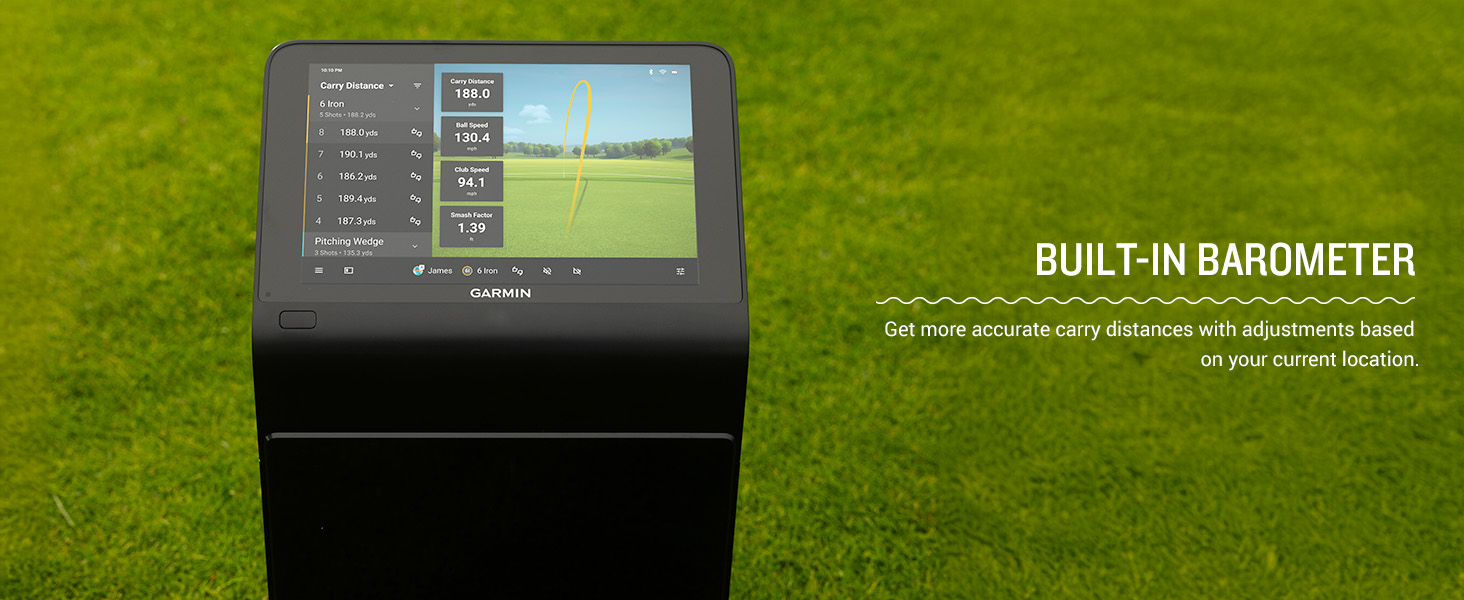
There’s also a built-in barometer, which adjusts carry distance based on atmospheric pressure. Sounds small, but it actually helps improve distance accuracy depending on your location.
Build quality feels solid. It’s not lightweight, but it feels like a premium, durable piece of equipment.
What Real Golfers Are Saying
Looking at real buyer feedback, a few patterns stand out.
👍 Common Positives
- “Very accurate for most clubs”
- “Super easy to set up and use”
- “Love the built-in screen — no extra devices needed”
- “Impact video is a game changer”
- “Great value compared to $10k systems”
👎 Common Complaints
- Distance inconsistencies (especially driver)
- Occasional freezing or software glitches
- Wi-Fi connection issues with PC integration
- Needs proper lighting indoors
- Some hardware reliability concerns
Overall, the sentiment is positive but not unanimous. People love the concept… but expect a bit more polish at this price.
Who This Launch Monitor Is Actually For
The R50 makes the most sense for:
- Golfers who want a home simulator without a PC setup
- Mid-handicap players focused on improving consistency
- Players who enjoy data + visual feedback together
It’s probably not ideal for:
- Tour-level players needing absolute precision
- Budget-conscious golfers
- People who only want basic distance numbers
Where It Falls Short
Let’s be honest — it’s not perfect.
- Accuracy can be inconsistent with longer clubs
- Software and connectivity could be smoother
- Price is quite high for the level of reliability
- Occasional freezing issues reported
These aren’t dealbreakers for everyone, but they’re worth knowing.
Garmin R50 vs Alternatives
Compared to the Garmin Approach R10, the R50 is a massive upgrade in usability and features — especially with the built-in screen.
But when compared to high-end systems like TrackMan launch monitor, it still falls short in absolute accuracy and polish.
So it sits somewhere in between — premium, but not top-tier elite.
Check Here
Price & Value Judgment
At around $4,500, this is not a casual purchase.
You’re paying for:
- Convenience
- Built-in simulator
- No extra hardware needed
If everything works perfectly, the value is actually pretty solid. But with the reported issues, it becomes more of a “great idea with some rough edges”.
Pros & Cons
Pros
- All-in-one system (no PC required)
- Easy setup and use
- Strong shot shape tracking
- Impact video feedback
- Portable and versatile
Cons
- Accuracy inconsistencies (especially driver)
- Occasional software issues
- Expensive
- Simulator putting is simplified
Golf Assay Verdict
Accuracy: 7.5 / 10
Features: 9 / 10
Ease of Use: 9 / 10
Simulator Experience: 8 / 10
Value: 7 / 10
Final Verdict: Should You Buy It?
The Garmin Approach R50 is honestly a very exciting piece of golf tech. It brings together launch monitor data, simulator play, and ease of use in a way that few products do.
But it’s not flawless.
If you want something simple, powerful, and fun to use at home, it’s a great option. If you’re chasing absolute precision or flawless performance… you might want to think twice.
It’s close to being amazing — just not quite perfect yet.
Buy on Amazon
FAQ
Is the Garmin R50 accurate enough for practice?
Yes, for most golfers it’s accurate enough — especially for irons and general swing analysis.
Do you need a subscription?
Only if you want access to the full simulator course library.
Can it replace a full simulator setup?
For many users, yes. But high-end setups still offer better realism.
Is it beginner-friendly?
Yes, especially because of its easy setup and built-in screen.